
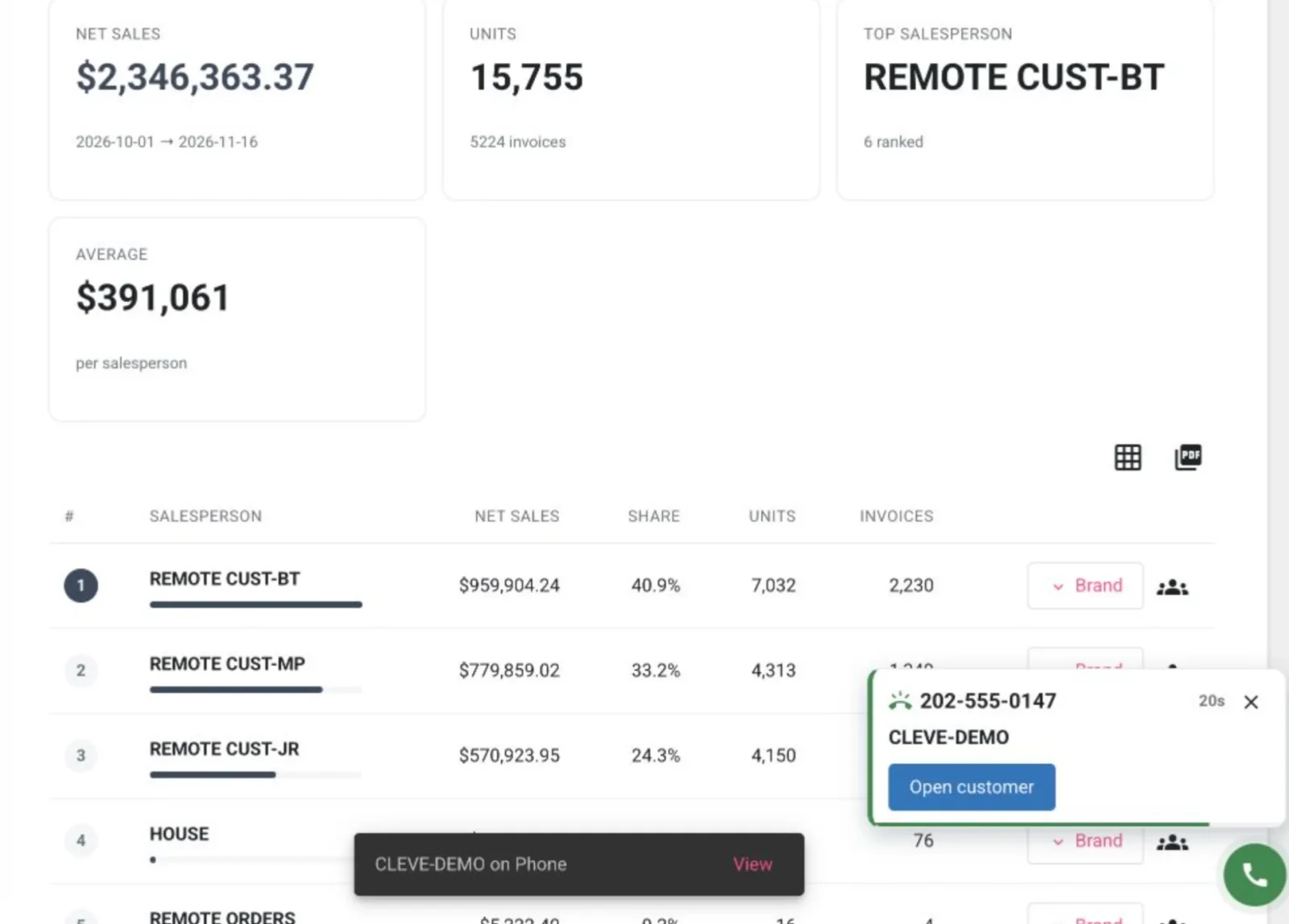
The phone rings, and your customer's name appears on screen before you pick up. You already know who's calling.
Phone Link connects your desk phone to our software. When the incoming number matches a customer record, the notification identifies the customer and gives you an Open customer button to access their account.
Start with the right account
Whether the call is about an order, an invoice or a previous purchase, knowing which account to open saves a search. The notification stays out of your way until you are ready to use it.
Shared numbers and new contacts
Several customer locations may share a phone number. When a number matches more than one account, Phone Link lists the matches so you can choose the right customer.
If someone calls from a number that is not on file, you can find their account and link the call to it. Save the number to their contacts, and Phone Link can recognize it the next time they call.
Find a previous call
The Call Center brings recent calls together in our software. Search by name or number, view calls for your linked phones or all linked lines, and select a call to see its details and associated customer.
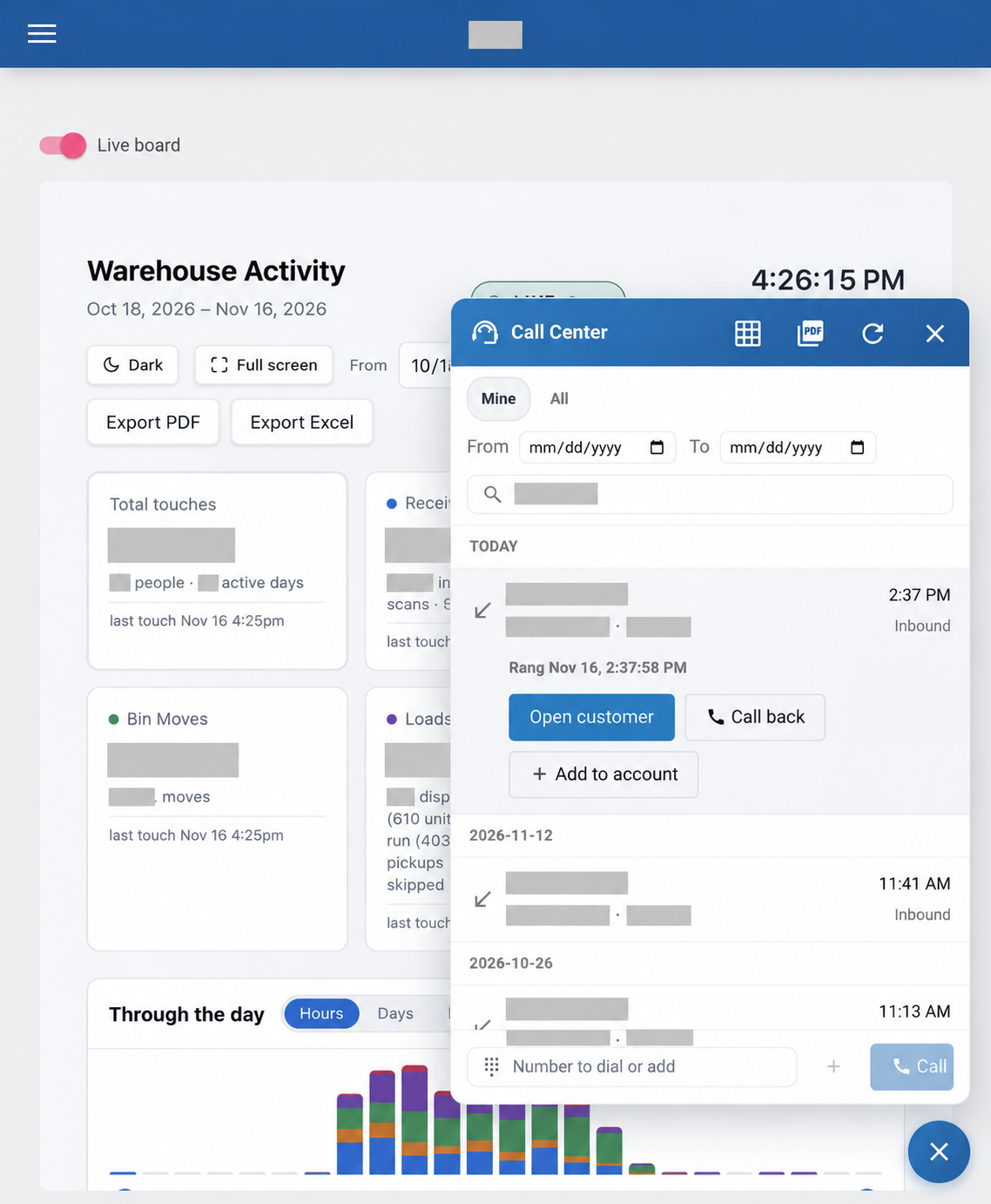
For a longer look back, Call History lets you choose a date range, search the results and export them to Excel or PDF.
More than one person can be linked to the same desk phone, so everyone watching that line can receive its call notifications.
Connect your phones to our software
Contact us to learn more about Phone Link and connecting your phones to our software.