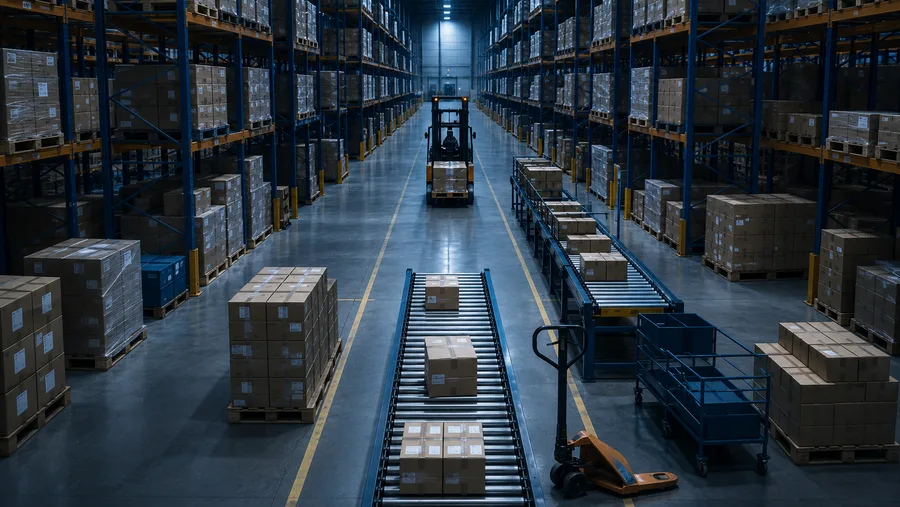
ERP stands for enterprise resource planning — a name that sounds far more complicated than the idea behind it. ERP software is one system that runs the day-to-day operations of a business. Orders, inventory, purchasing, accounting and customer records all live in the same place and share the same database, so everyone in the company works from the same numbers.
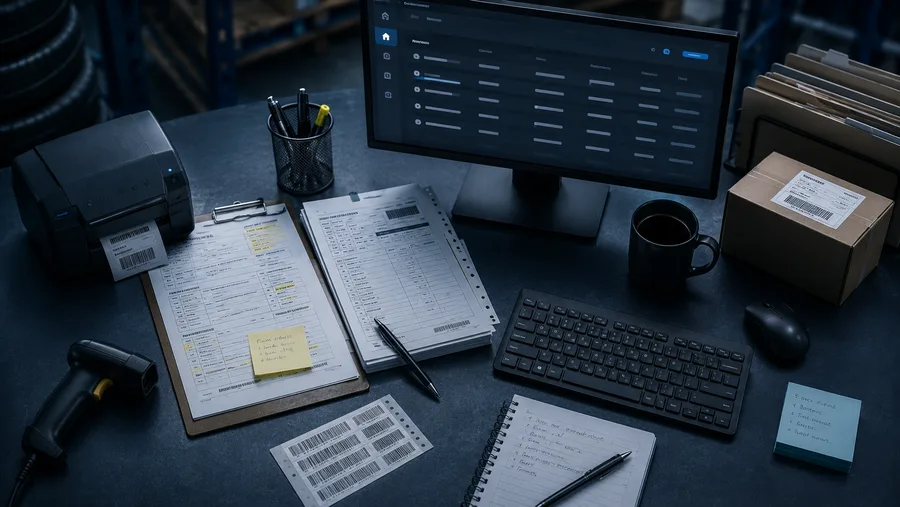
The easiest way to understand ERP is to look at what it replaces. Most growing distributors run on a patchwork: an accounting package here, a spreadsheet for inventory there, order histories in email, pricing in someone's head. Each piece works on its own, but none of them talk to each other. People re-key the same data three times, the stock count in the spreadsheet disagrees with what's on the shelf, and nobody is quite sure which number is right.
One system, one set of numbers
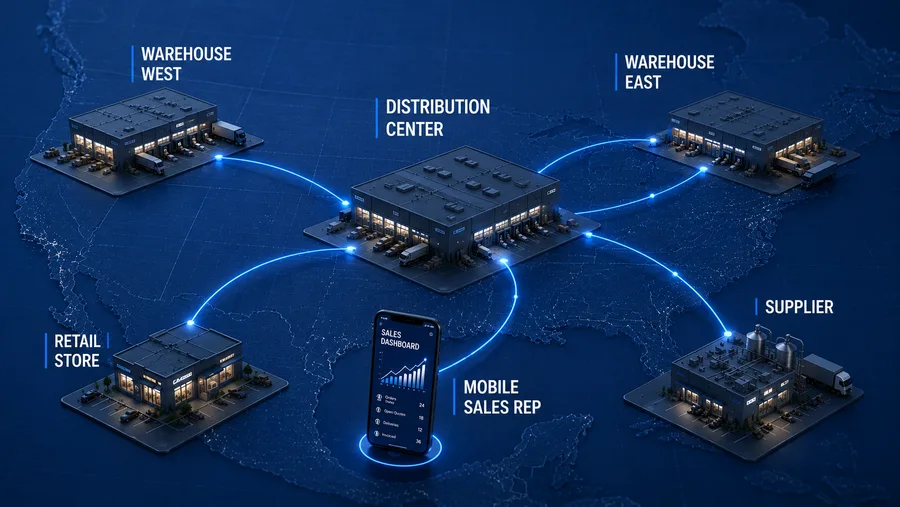
In an ERP system, a single event updates everything it touches. When a counter sale goes through, inventory is relieved, the receivable is posted, the general ledger entry is made, and purchasing can see the demand — all at once, without anyone copying anything. That's the whole trick: one transaction, recorded once, visible everywhere.
The modules that matter for a distributor
ERP is sold in many shapes, but for a wholesale or retail distributor the core is fairly consistent:
- Order entry and point of sale — quoting, counter sales and order processing, tied directly to live stock and pricing.
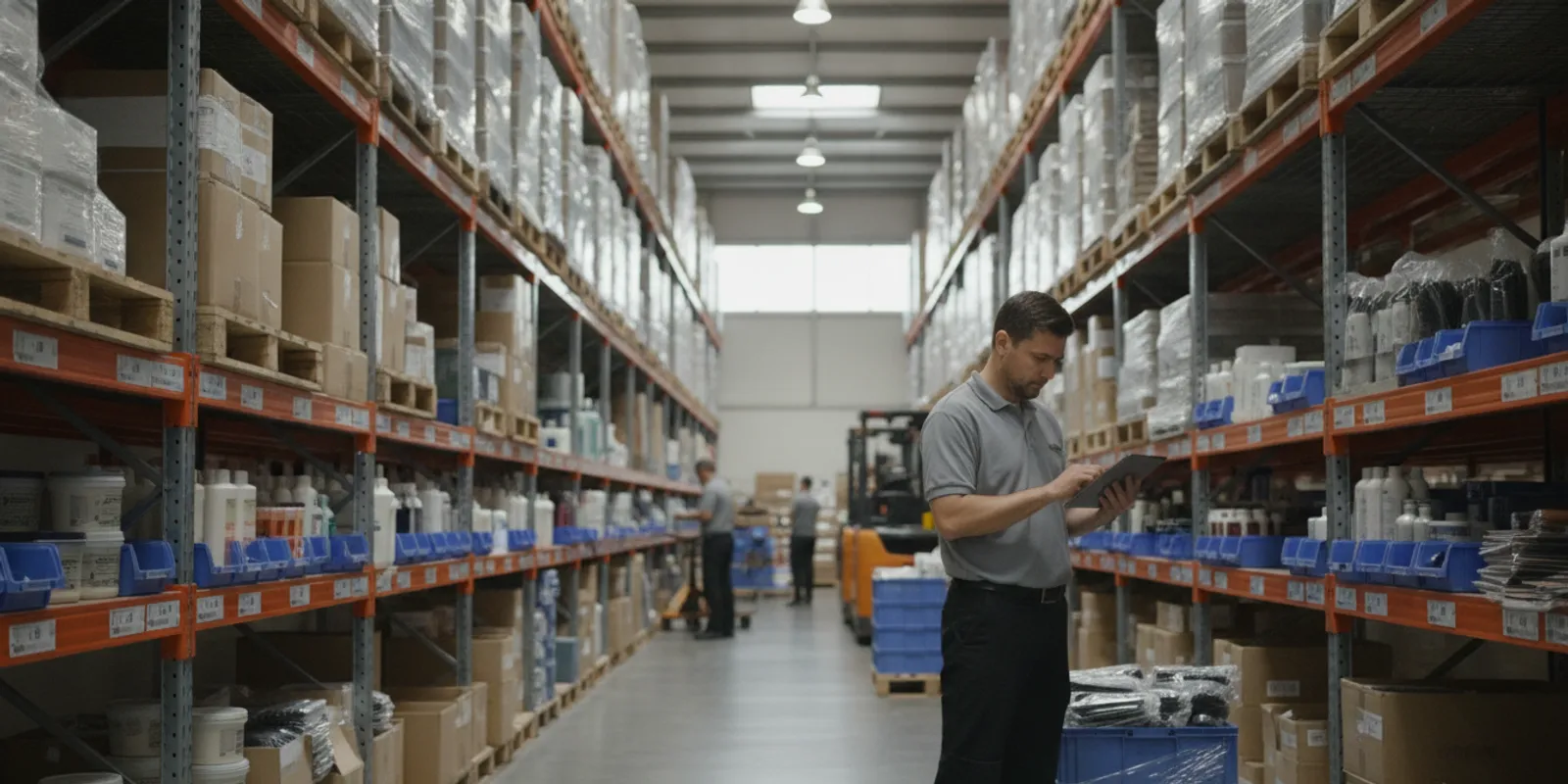
- Inventory — on-hand, committed and on-order quantities by item and location, so you can promise what you can actually ship.
- Purchasing — replenishment driven by real demand, with vendor costs and lead times in one place.
- Accounting — receivables, payables and the general ledger fed automatically by the operational side of the system.
- Customer management — contact history, pricing agreements and terms attached to the account, not a separate tool.
- Reporting — margins, turns, open orders and aging you can pull without exporting anything to a spreadsheet first.
Cloud and browser-based systems
Older ERP systems lived on a server in the back room and needed software installed on every workstation. Most modern systems run in a web browser from cloud infrastructure instead. That matters for a smaller distributor: there's less hardware to own, updates happen centrally, and the same system works at the counter, in the warehouse and on the road.
Generic vs. industry-specific ERP
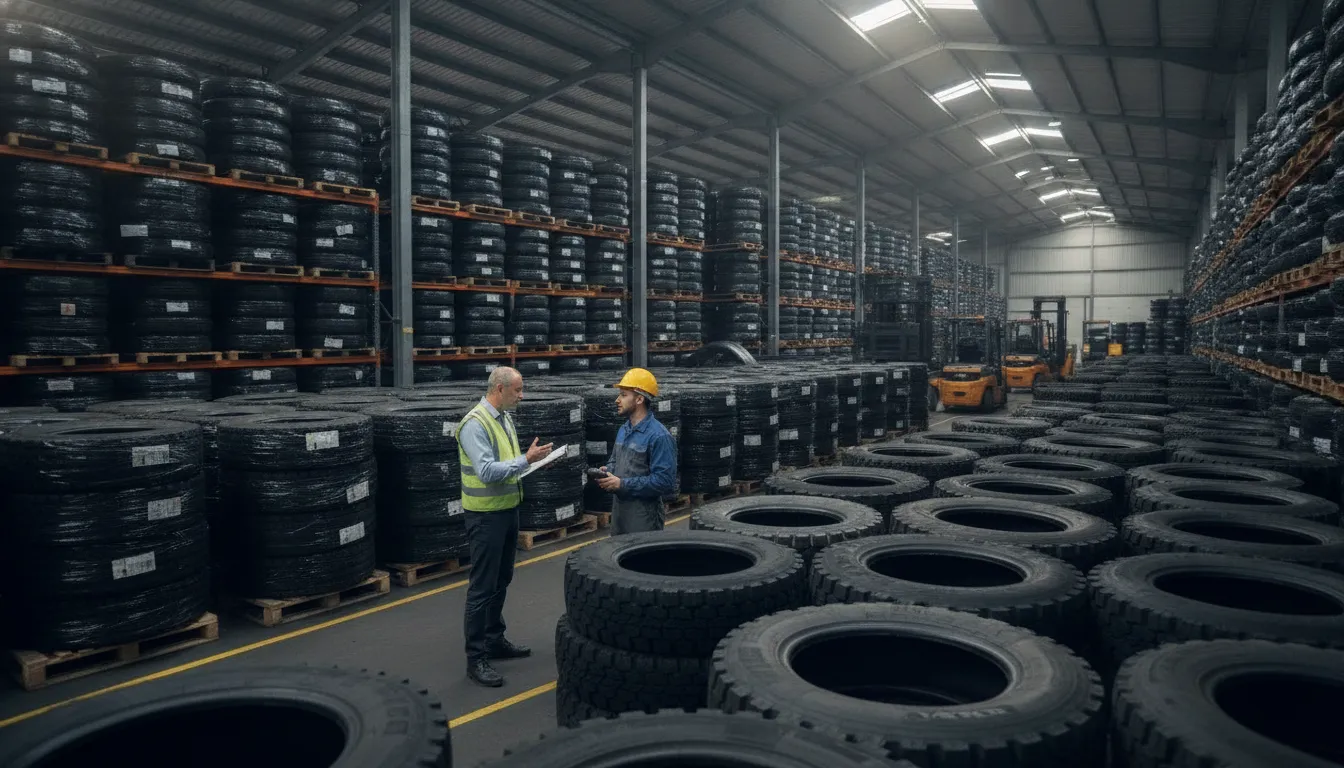
A generic ERP tries to fit every business loosely; an industry-specific ERP fits one kind of business closely, with the workflows, units and pricing rules of that trade already built in. The difference shows up in implementation: a system that already understands how your industry works needs far less customization to be useful. It's why QBC Systems, which has built software for distributors since 1978, offers three industry-specific ERP products rather than one system for everyone: TireServ™ for tire & automotive supply distributors, BeautyServ™ for beauty supply distributors and salons, and ShadowERP™ for general wholesale and retail distribution.
How to tell you've outgrown your current setup
The signs are consistent: staff re-keying data between systems, inventory counts you don't trust, month-end closes that drag on for weeks, and questions — what did we make on that line last quarter? — that take days to answer. None of these are people problems. They're symptoms of running a connected business on disconnected tools, and an ERP system is the standard fix.
Still weighing whether ERP is the right move? Get a free consultation with QBC Systems and talk it through with a distribution specialist — no pressure, no obligation.